
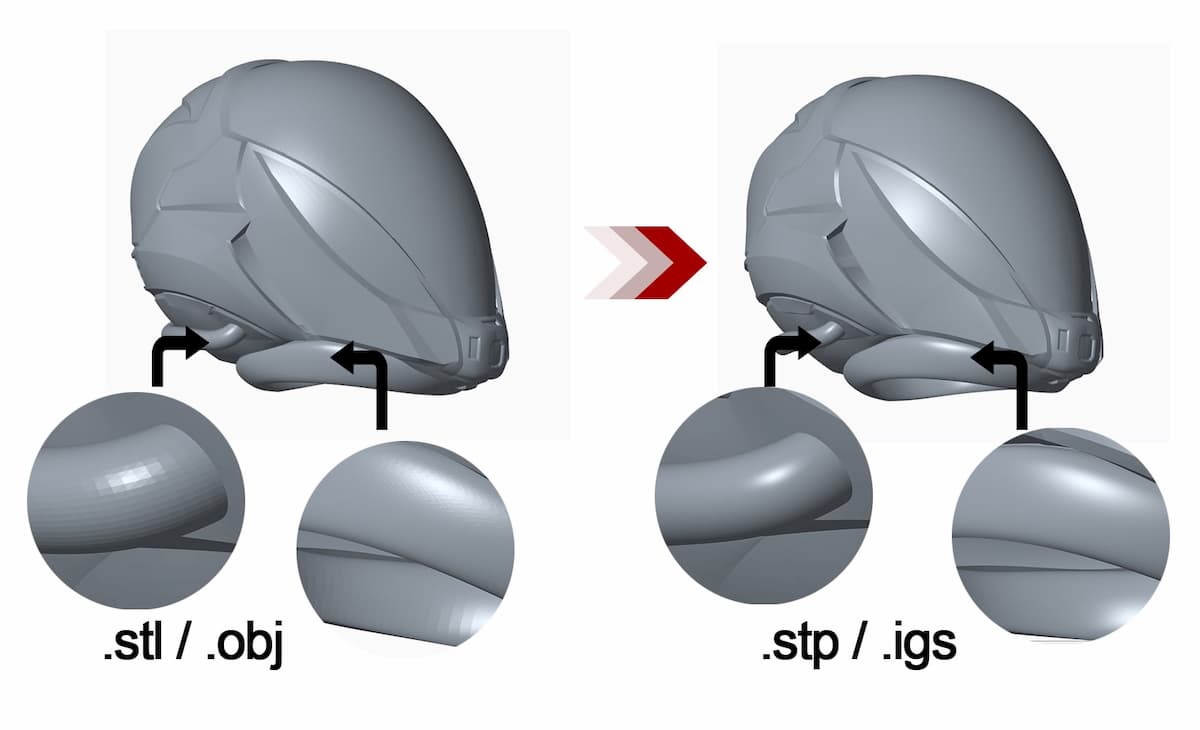
When sharing 3D CAD models between different software packages, engineers and drafters in Australia almost always reach for one of two neutral file formats: IGES or STEP. Both solve the same core problem — proprietary CAD files (SolidWorks .sldprt, Inventor .ipt, CATIA .CATPart) can’t be opened natively in competing software — but they do it differently, and the choice matters.
IGES vs STEP: Quick Comparison
| IGES | STEP | |
|---|---|---|
| Full name | Initial Graphics Exchange Specification | Standard for the Exchange of Product Data |
| File extensions | .igs, .iges | .stp, .step |
| Developed | 1970s (US DoD / Boeing) | 1980s–1990s (ISO 10303) |
| Standard | ASME Y14.26M | ISO 10303 |
| Geometry types | Surfaces, curves, wireframes, basic solids | Solids, surfaces, curves, assemblies |
| Tolerances | ❌ Not supported | ✅ Yes (PMI / GD&T) |
| Material data | ❌ Not supported | ✅ Yes |
| Assembly structure | Limited | Full hierarchy preserved |
| File size | Smaller | Larger (more data carried) |
| Software support | All major CAD systems | All major CAD systems |
| Recommended for | Legacy workflows, surface data only | Most modern engineering exchange |
What Is IGES?
IGES (Initial Graphics Exchange Specification) is the older of the two formats, developed in the late 1970s when the US Department of Defence needed a way to share CAD data between different defence contractors. Boeing and the US Air Force led the project — imagine coordinating an aircraft carrier or missile system across hundreds of suppliers all using incompatible CAD software.
IGES encodes geometry — curves, surfaces, wireframes — as a text-based file. It handles: basic 3D surface and solid geometry, 2D curves and wireframe elements, drawing annotation data (lines, text), and limited assembly structure. What it does not carry: GD&T / tolerance data, material properties, feature history, or robust assembly hierarchies. IGES essentially freezes the geometry as a snapshot — there’s no parametric history and no downstream data beyond shape.